Find your flow.
Keep moving with native text editing, find and replace, undo and redo, and hardware keyboard shortcuts. Choose whether to show syntax highlighting and line numbers to make the editor your own.
Your files.
Build wherever you are.
A native workspace for writing, code, and project files on iPhone and iPad. Edit Markdown and source files, preview your work, and manage changes in your GitHub repositories. Bring your existing folders and keep everything together.
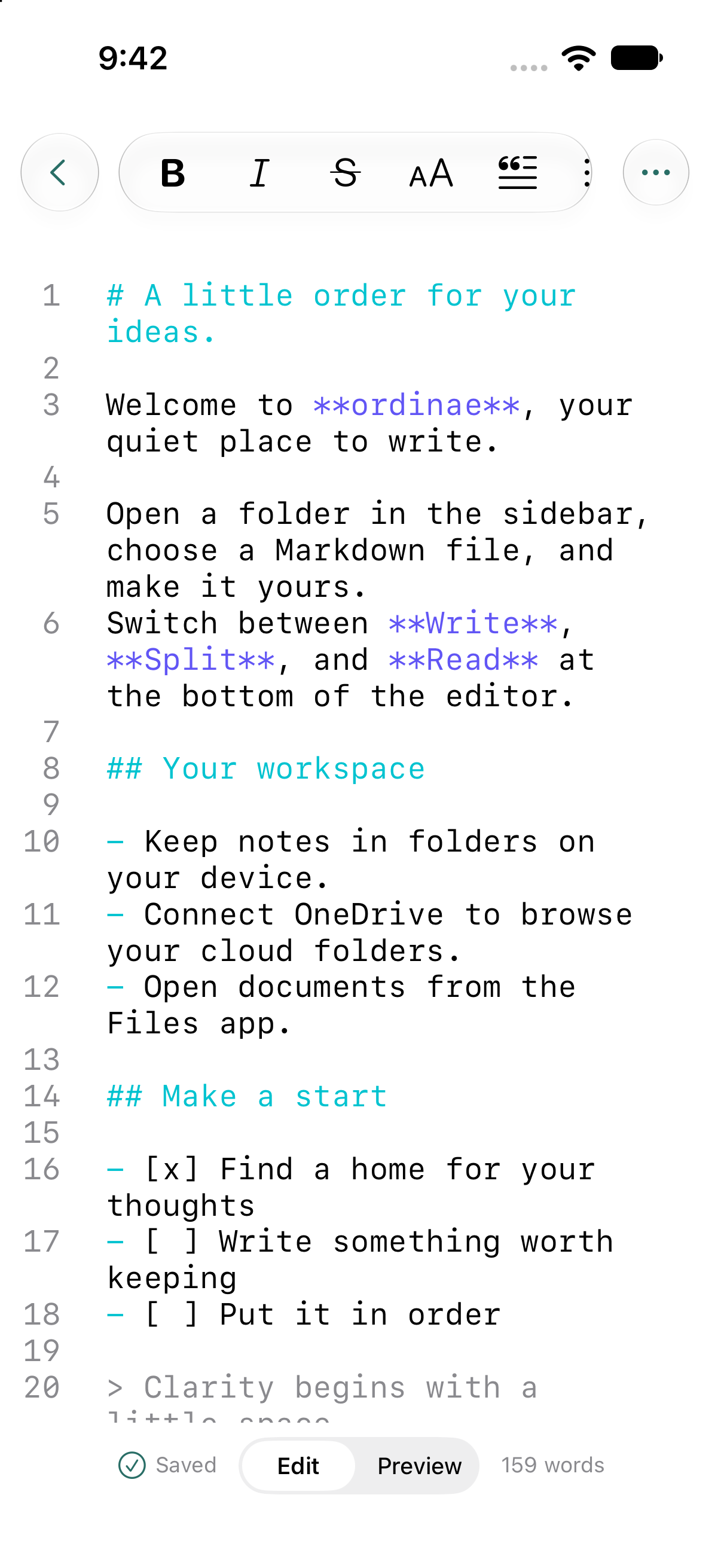
Keep moving with native text editing, find and replace, undo and redo, and hardware keyboard shortcuts. Choose whether to show syntax highlighting and line numbers to make the editor your own.
Format selected text through the native Markdown menu. Add headings, emphasis, lists, tasks, code, links, images, and tables, then open a full-screen native preview to read the finished document.
Edit Swift, Python, JavaScript, TypeScript, HTML, and CSS with syntax highlighting. Work on configuration files too, including JSON, YAML, TOML, and environment files. Other text files open in the same native editor.
Open individual documents or a folder workspace through Files. Browse your folder tree, filter filenames, and create, rename, move, duplicate, or delete files and folders without leaving the app.
Preview local HTML with its CSS, JavaScript, and images from an opened project folder. View PDFs and zoom into images alongside your text files, so project references stay close at hand.
Sign in with GitHub and clone the repositories you choose. In repositories cloned through Ordinae, review diffs, stage changes, commit, and fetch, pull, or push. Switch branches, browse history, and work through merges from Source Control.
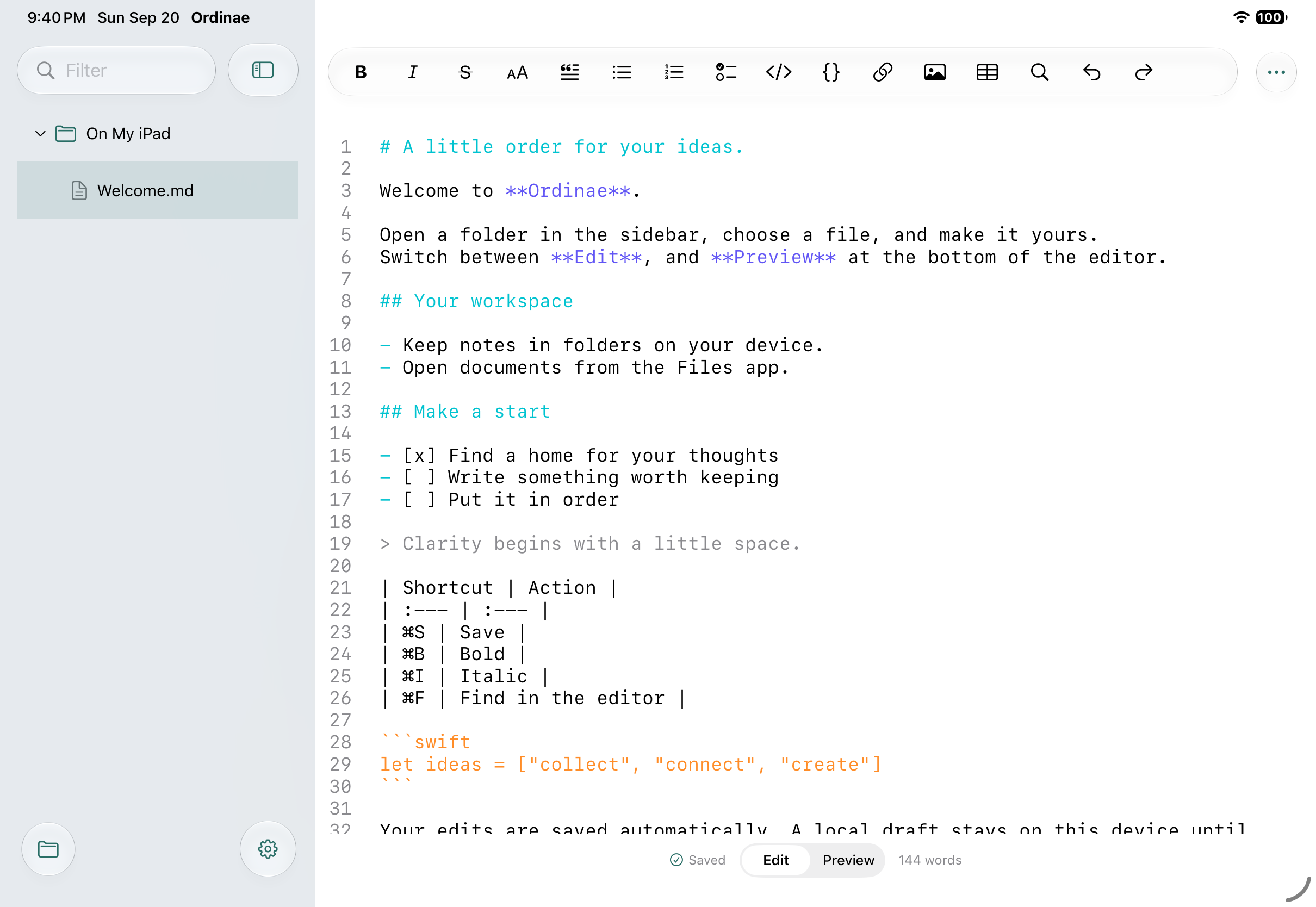
Start writing in the built-in local workspace, open your existing documents and folders through Files, or clone a GitHub repository. Your work stays in ordinary files and folders.
Autosave and recoverable drafts help you pick up where you left off. If a file changes elsewhere, Ordinae keeps your draft so you can resolve the conflict.
Move between files, editing, and Source Control on iPhone. On iPad, browse the sidebar beside your document for a larger view of your project.
Native Apple text editing and Markdown rendering make writing feel at home. A built-in browser preview brings your local HTML pages to life.
Questions about Ordinae? We'd love to hear from you.